
Installation
Once you have a created a site in Trustwards, it takes just a minute to start complying and receiving your first consent records.
Add your website
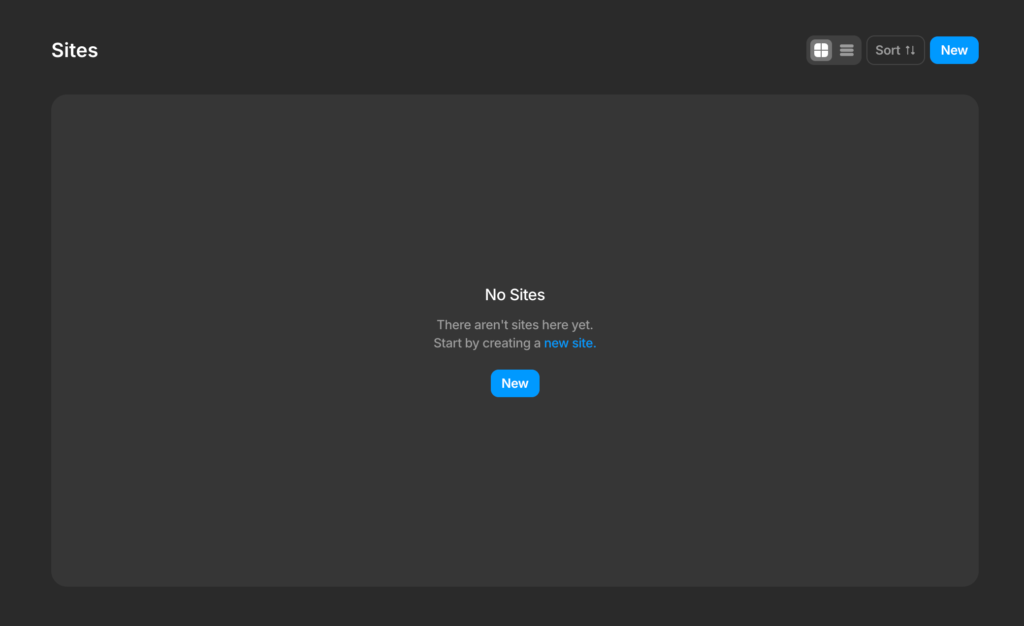
Inside the dashboard, click the "New" button to add your site. Enter your website's domain (e.g: example.com or www.example.com). Trustwards will automatically create a unique script for your site.
Your site starts in Draft mode, which means the script is generated but won't display a banner until you customize and publish it.
Verify your website
Copy the generated Trustwards script for your site and go to your website's header section (it's customization varies depending on your stack (e.g: WordPress, Webflow, Framer, custom website).
Once in your website's header, paste the script.
Then go back to Trustwards and click "Verify", it should take a few seconds for your website to be verified.
Note: if your site is not getting verified, please clean your website's cache after pasting the script.
Note: Trustwards should be at highest in your header as possible, otherwise, if there are other scripts injecting cookies or iframes and they are loading before Trustwards, we cannot guarantee these have already injected cookies on the client. In this scenario, once Trustwards loads, it will delete them if they were not consented, but user's data may have already been collected.

Choose a Theme and publish
Once your website is verified, go to the builder, select a ready-made theme, click Save and that's it!
Your website is now complying and you can start receiving analytics data, proof of consent records and integrations with third parties.
You could also edit the Theme you have chosen to match your brand guidelines as needed or even create yours from scratch.
Site's plan conditional display
Depending on your site's plan you will see a "Draft" Banner. This banner is displaying only on those Draft sites that doesn't belong to any plan.
Once your site is assigned to a plan, you will see your site's banner and modal displaying on the front of your website as well as being compliant.